How MaxS scoring works
When a package starts with another activity, the bowling lane enters a queue for the correct start time.
Game automation
 MaxS scoring
 one connected flow.
Collect player details and control bowling lanes from the reservation.
How the connection helps
Participant names from Nostium move to MaxS scoring at check-in and the correct lane is prepared automatically.
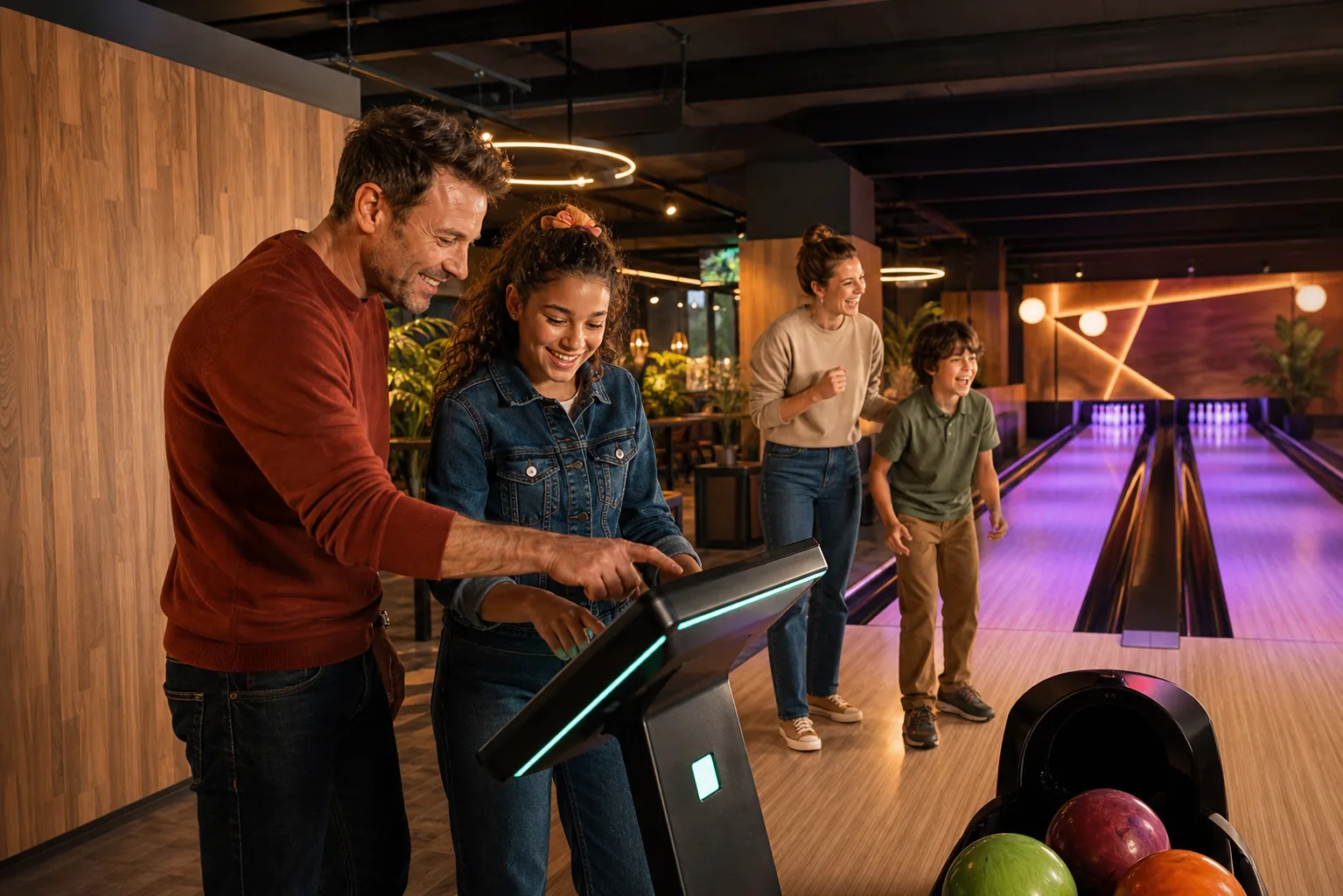
When a package starts with another activity, the bowling lane enters a queue for the correct start time.
Pre-entered names appear on the lane and the queue opens it exactly when bowling begins.
The team starts lanes faster and guests can begin without extra data entry.
Benefits
Synchronized data
 Marketing
Transform reservation events into actionable marketing insight.
View integration Guest experience
Publish activities to an international audience and process every Tiqets booking automatically in Nostium.
View integration Access & staffing
Automate the flow from booking and QR ticket to physical entry.
View integration
A personal demo
During a personal demo, we explore your activities, capacity and daily operation together. You get clear explanations, practical advice and plenty of time for your questions.